

Patch Compatibility
What Resolume versions work with Wire?
Wire is made to work with Resolume, and both Avenue and Arena are compatible with Wire from version 7.4 and up.
How do I know the minimum Resolume version required for a patch?
Open the patch and check the Patch panel — it shows the minimum required version for that patch. On the Stats panel you can see per node what version is required for it to run.
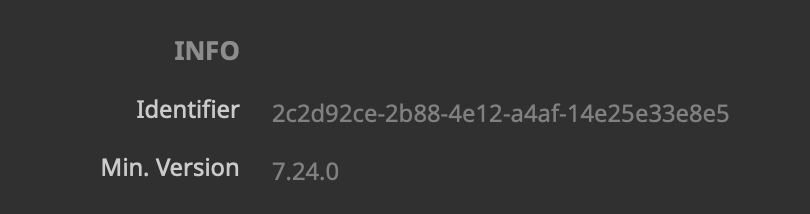 The minimum required version for this patch on the Patch panel
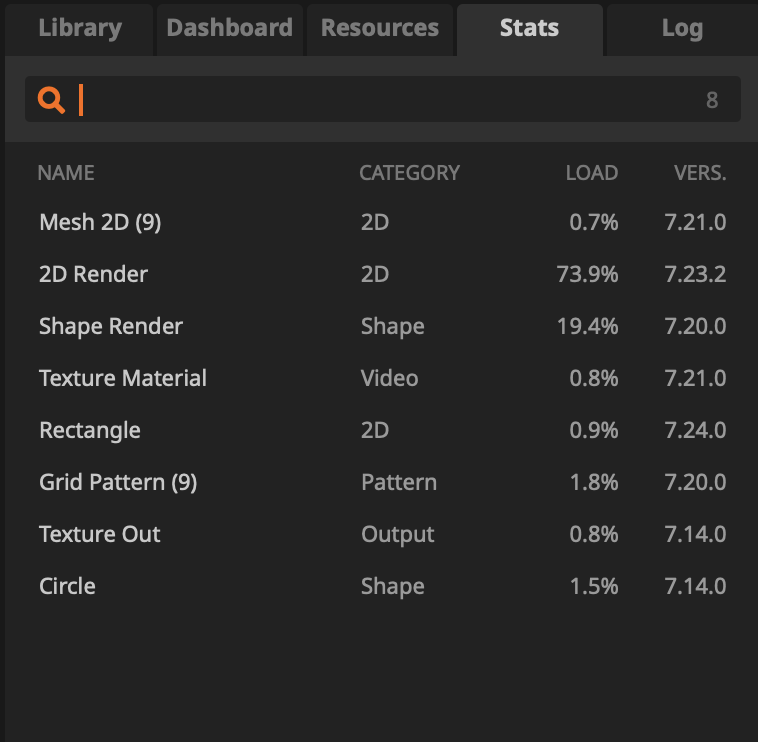 The Stats panel shows a list of nodes with their minimum required version
Is the minimum required version always the Wire version used to compile the patch?
No. The minimum required version is based on the nodes/features used in the patch, not strictly the Wire version you compiled it with.
Is there backwards compatibility?
Forward compatibility: a newer Wire should be able to open older patches.
Backward compatibility: older Wire generally cannot open patches saved/compiled in a newer version.
What happens when Wire gets a “breaking change”?
Sometimes we have to change behaviour in a way that would otherwise break old patches. When that happens, Wire will do its best to automatically insert conversion nodes so your patch keeps behaving the same.
Example: when the Y axis was flipped, older patches would automatically get a Transform inserted (with a Y inversion) where needed, so the output stayed consistent.
I’m selling/sharing patches — what version should I build for?
If you want to target a specific Resolume/Wire version (and up), build the patch in that target version from the start.
Note: copy/paste from a newer Wire to an older Wire won’t work reliably, so don’t prototype in “latest” and then try to paste backwards later.
If you need an older installer, scroll down to the version dropdown on the download page — it includes previous Wire versions.
Do my users need Wire to run my patch in Avenue/Arena?
Not if you compile it. When a compiled patch is used in Avenue/Arena, the Wire watermark won’t show, which also means other users don’t need to own Wire to use your compiled patch.
Compiled patch file types:
.wired = editable compiled patch
.cwired = non-editable compiled patch